4.1Guide
Markdown or EmDash: how to pick a content source for your Astro theme
Every Astronomic theme and the free Starter can read content from Markdown files or from the EmDash CMS. One line in astro.config.mjs picks the source. Here is how each one works, how to switch, and which to pick.
On this page7 sections
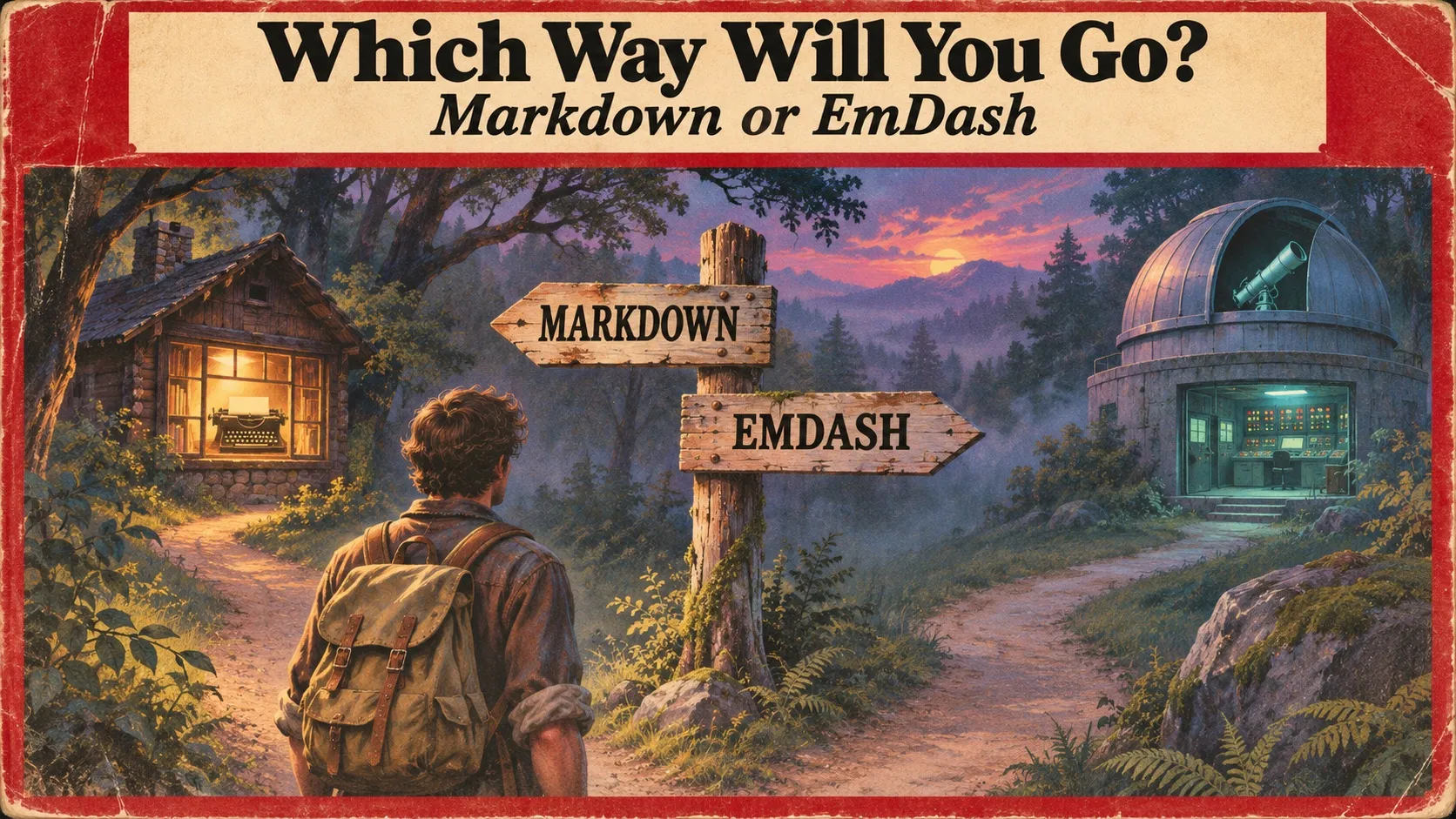
A content source is where a site reads its words and pictures from. Every Astronomic theme, and the free Starter, can read its content from two sources: Markdown files in the project, or EmDash, a CMS that runs inside the Astro site. Both give the same pages, and one line in astro.config.mjs picks which one the site uses.
The two sources
Markdown is the default. The content lives in the project’s content/ folder, one file per entry. You edit the files and commit them. The build makes a static site: plain HTML files you can host anywhere.
EmDash keeps the content in a SQLite database (data.db) and the images in uploads/, both in the project root. You edit it in the EmDash admin at /_emdash/admin. With EmDash, the site runs as a Node server, because pages read the database when someone asks for them.
What each theme keeps in content
The switch works the same way in every theme. What changes is the content itself. In Markdown, each kind of entry has its own folder in content/:
| Theme | What its content folders hold |
|---|---|
| Apogee | Case studies, services, team, testimonials, open roles, journal posts, pages |
| Dispatch | Posts, writers (authors/), series, pages |
| Groundcrew | Services, projects, service areas (areas/), blog posts, pages |
| Lodestar | Services, industries, case studies, team, testimonials, insights (posts/), pages |
| Vega | Home listings, agents, neighborhoods, blog posts, pages |
| Vesper | Articles (posts/), projects, talks, uses, work history (jobs/), collage photos, pages |
| Starter | Posts, guides, series, pages |
Every project also has site.json for the site’s details and settings, menus.json, taxonomies.json and a media/ folder for images. Apogee, Dispatch, Groundcrew, Lodestar and Vega add a home.yaml for the home page. Some themes keep short lists, such as plans or FAQs, in a JSON file instead of a folder.
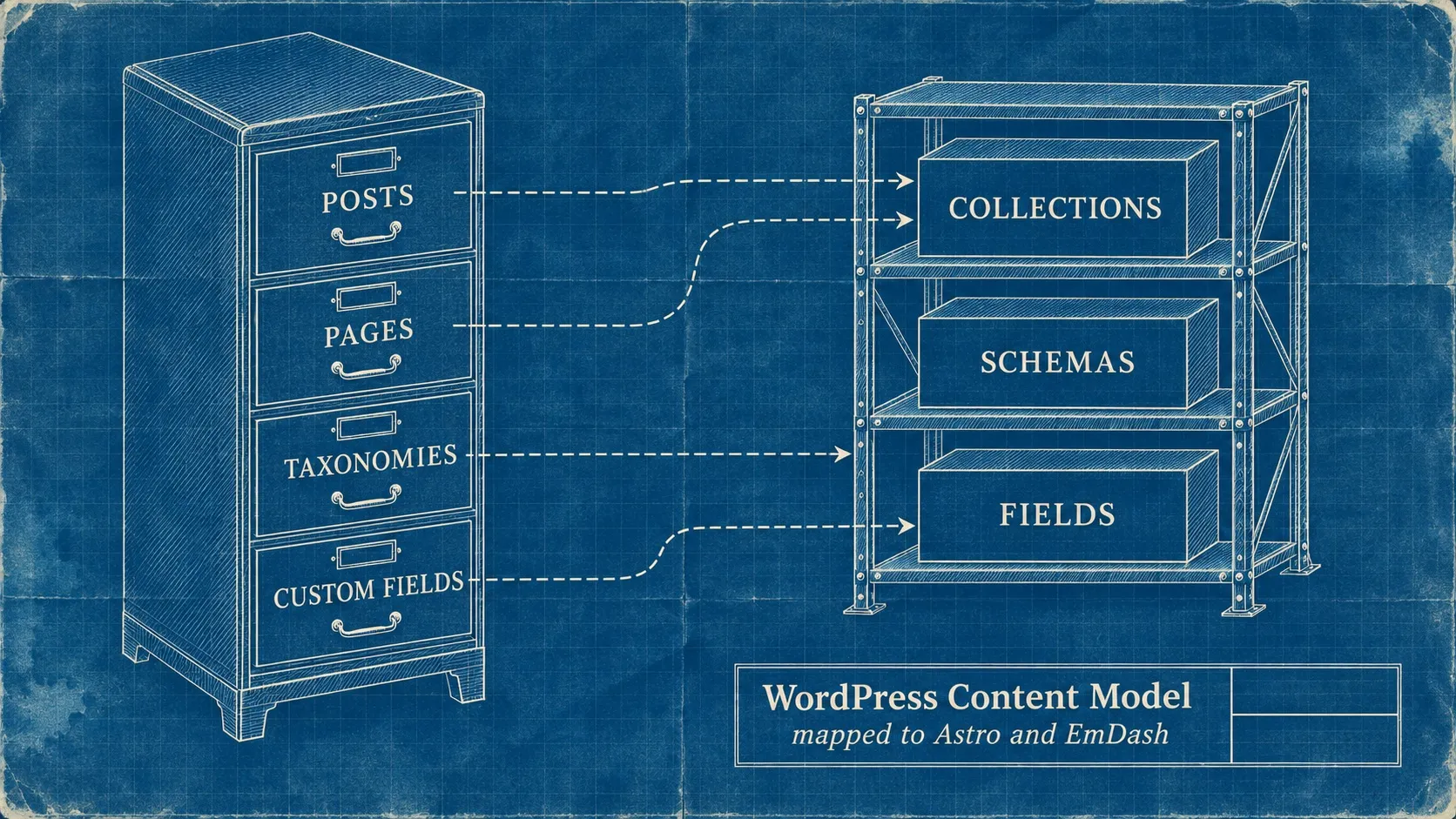
In EmDash, each folder becomes a collection in the admin. The site’s title and tagline are EmDash’s site settings, and the rest of site.json is a details entry: “Studio details” in Apogee, “Publication details” in Dispatch, “Business details” in Groundcrew, “Firm details” in Lodestar, “Agency details” in Vega and “Profile” in Vesper.
How the switch works
Open astro.config.mjs. This is the line that picks the source:
const content = await contentSource(process.env.CONTENT_SOURCE ?? "markdown", import.meta.url);The name is a file in src/content/sources/. "markdown" loads markdown.ts. "emdash" loads emdash.ts and its setup file, emdash.setup.mjs. The setup file adds the EmDash integration, server output and the Node adapter. The Markdown source has no setup file, so a Markdown build stays static and does not load EmDash at all.
To switch to EmDash, change "markdown" to "emdash":
const content = await contentSource(process.env.CONTENT_SOURCE ?? "emdash", import.meta.url);The CONTENT_SOURCE environment variable overrides the line for one command. The tests use it. You can too, to try the other source without editing the file:
CONTENT_SOURCE=emdash pnpm buildThe mixed source in the Starter
The Starter ships a third source, mixed. It takes guides and their series from EmDash. Posts and pages stay in Markdown.
Set the line to "mixed" to use it. It runs on EmDash’s server setup, so it needs the database too. Use it as a pattern when only part of a site needs a browser editor, for example a team that adds case studies while the developer keeps the rest in Git.
Set up EmDash
EmDash needs its database first. This command loads the demo content and images into ./data.db:
pnpm seed:emdashAt the end it prints how many demo images and publish dates it loaded. If data.db already exists, the command stops and tells you so. To start over, run it with --reset. This deletes the database and everything in it:
pnpm seed:emdash --resetThen build and start the server:
pnpm build
pnpm startSet SITE_URL when the server runs, as in SITE_URL=https://<your-domain> pnpm start with your own domain, so the canonical links, the feed and the sitemap name your site. You can also set it in astro.config.mjs, where it falls back to https://example.com.
Check that both sources match
Each project has a test that builds every source and compares the results:
pnpm test:parityIt compares each source with the first one, which is Markdown by default: the content of each collection, and the status, title and main text of each page. A good run prints same for each page and ends with OK.
The themes differ in which database the test reads:
- Apogee, Dispatch, Groundcrew, Lodestar, Vega and Vesper seed a fresh demo database for the run, so the test never reads your own
data.db. - Starter also builds the
mixedsource, and it reads a copy of yourdata.db. Runpnpm seed:emdashfirst. The test never changes your database.
When to pick which
Pick Markdown when:
- The people who edit the site are happy to edit files and commit them.
- You want a static site with no server and no database.
- You want the simplest hosting: any static host works.
Pick EmDash when:
- People who do not use Git need to edit the content in a browser.
- You can run a Node server and keep its
data.dbanduploads/safe between deploys.
You can start with Markdown and switch later. The pages stay the same, and pnpm test:parity shows you that they do. Content you add as Markdown files does not move into EmDash on its own, though.
For the full setup, see the content and deploy pages in your theme’s docs, for example Apogee content and Apogee deploy, or Starter content and Starter deploy.