Starter
A small product site with a blog and guides, built from the free Astronomic UI parts. Free and open source when released.
Startup themeOpen source
Screenshots
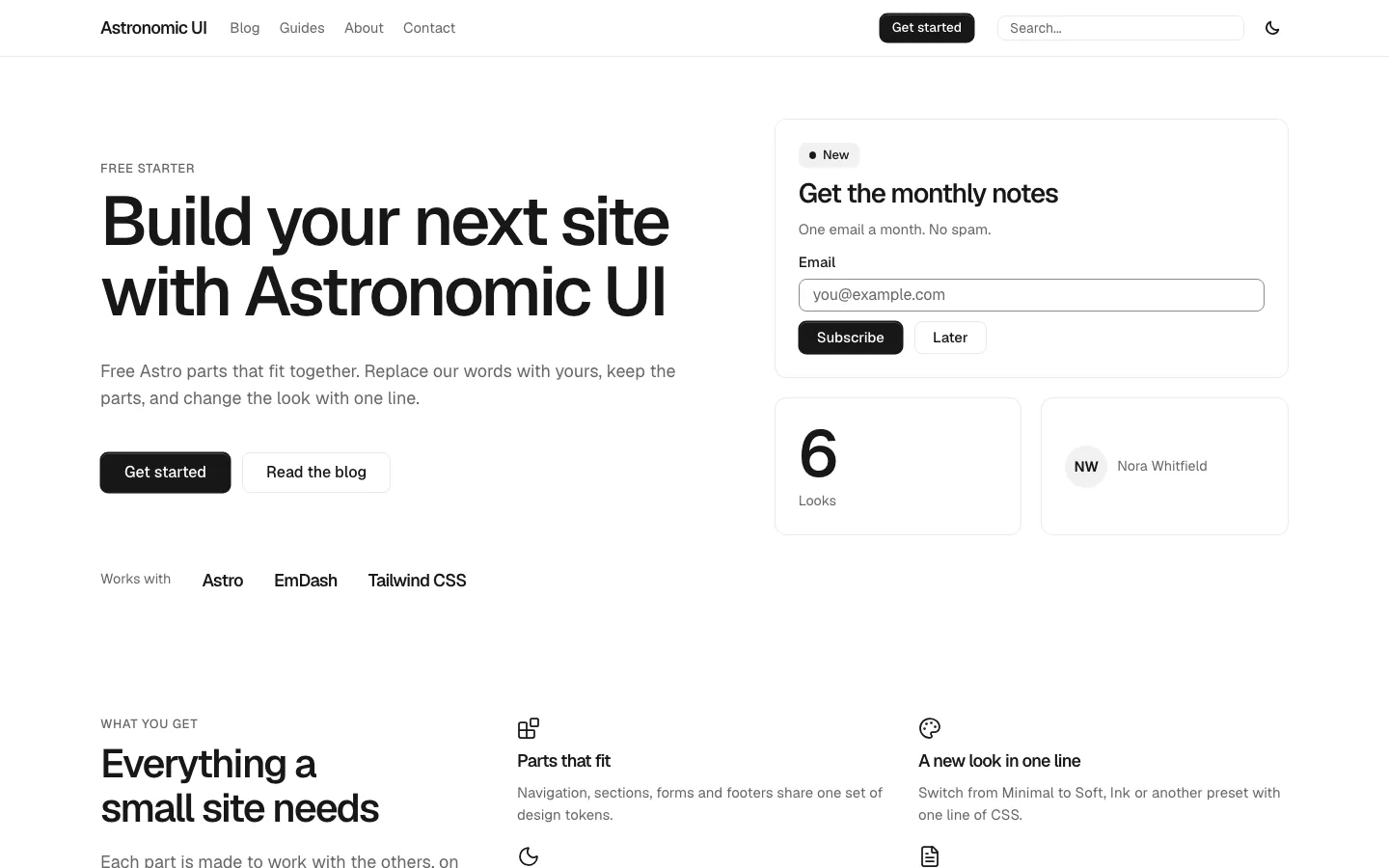
Fig. 1.7.1 — Home page 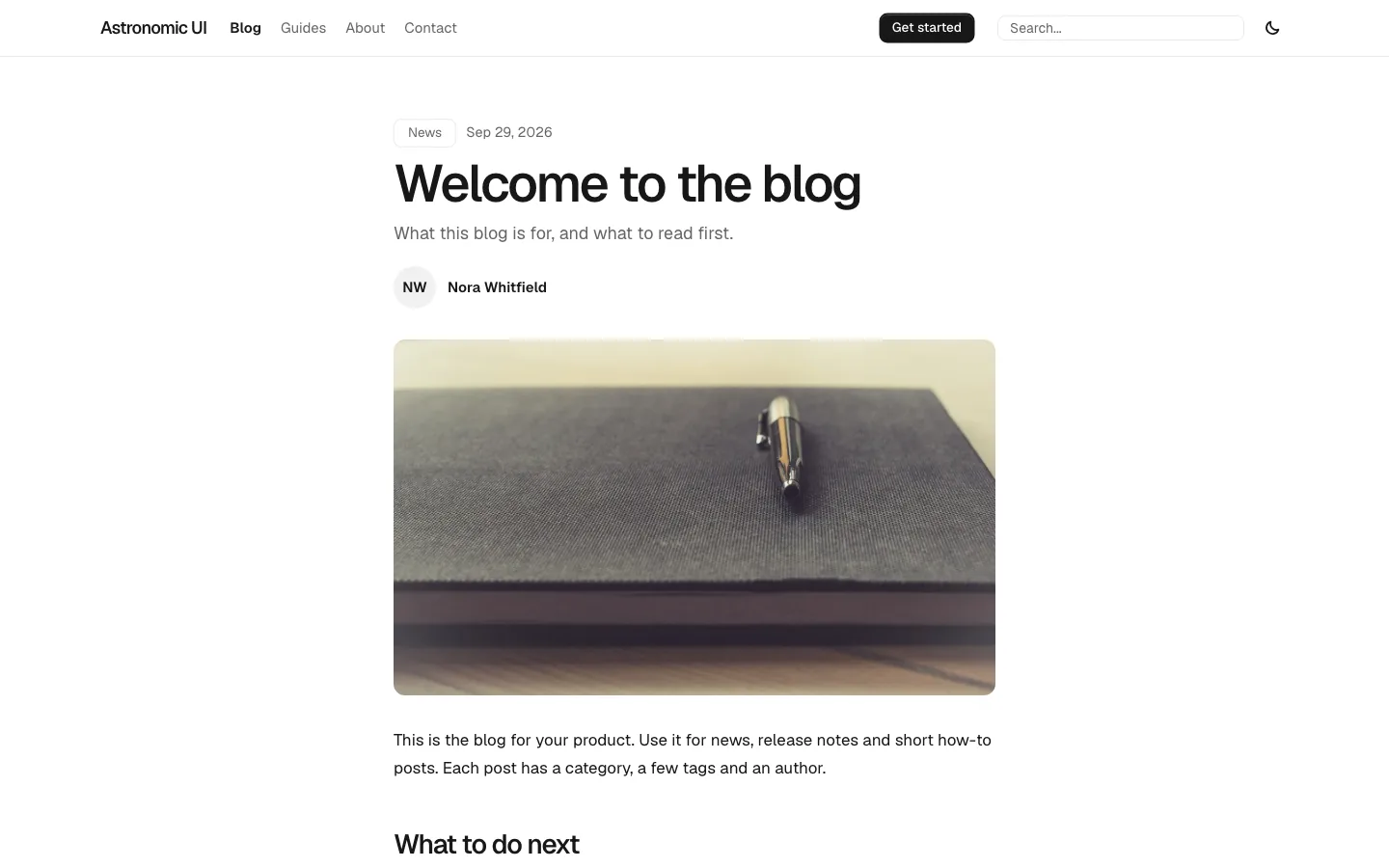
Fig. 1.7.2 — Post 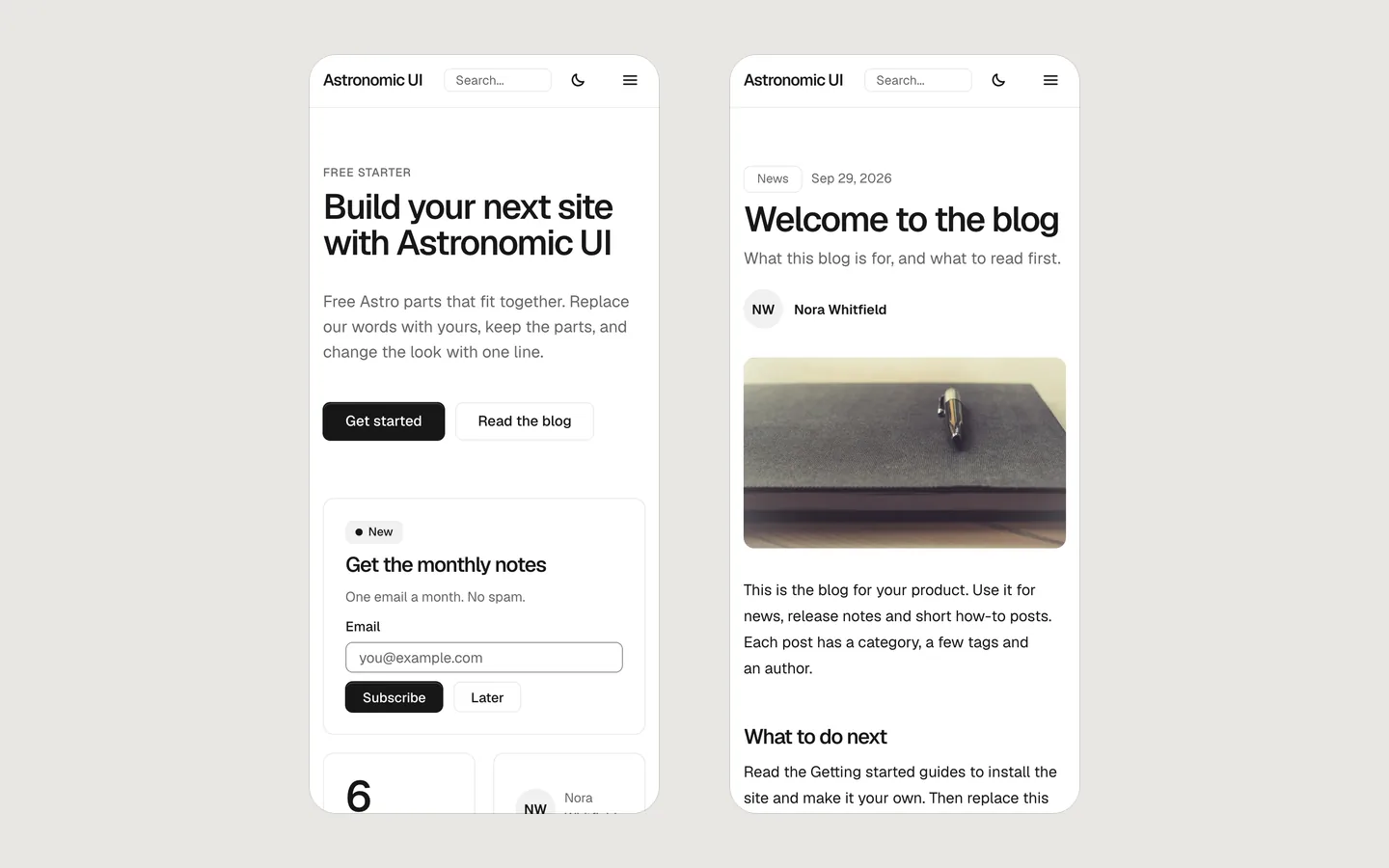
Fig. 1.7.3 — Home and post on a phone
Best for
- Launching a product, an app or an open-source project
- Seeing the free Astronomic UI parts work together in a real site
Pages included
Pages
- Home
- Blog
- Guides
- About
- Contact
- Categories
- Tags
- Search
- Privacy
- 404
Content types
- Posts
- Guides
- Series
- Pages
Features
- A full product home page
- A hero with a preview of the parts, features, screenshots, steps beside a look you can try, the latest posts and a call to action, all from free kit parts.
- Guides in series
- How-to pages grouped by series, with every part listed and links to the part before and after.
- A blog with writers
- Category and tag pages, a byline and an author box on each post, and an RSS feed.
- One line to change the look
- Minimal by default. Uncomment one line for Clean, Modern, Playful, Soft or Ink instead.
- Markdown or EmDash
- One switch picks the content source.
- Easy to make yours
- Our name is in the hero, the footer and the site title. Every other line is short placeholder text.
Stack
| Astro | 7 |
|---|---|
| Tailwind CSS | 4 |
| Content sources | Markdown, EmDash |
| Last updated | |
| Lighthouse, mobile | |
| Performance | 100 |
| Accessibility | 100 |
| Best practices | 100 |
| SEO | 100 |
| Changelog | |
What you get
- Public GitHub repository, MIT license
- Docs for install, content, looks and deploy
Setup
- Clone the public repository into a new repo of your own.
- Replace our name in the hero, the footer and the site title, and the placeholder text on each page.
- Pick a look in one line, or keep Minimal.
- Connect your repo to Cloudflare Workers Builds.
- Edit content in Markdown. EmDash needs a Node host; see the docs.
What you'll need
Starter is a site you build and host yourself. Plan for these before you start.
For every theme
- A GitHub account, to get the code and keep your own copy.
- A host. The docs use Cloudflare Workers. A Markdown build is plain files, so most static hosts work too.
- A domain name of your own.
- Some comfort with a code editor and Git. This is code you own, not a drag-and-drop builder.
- A Node host, if you want to edit in EmDash's admin instead of Markdown.
- With Markdown there is no server or database. A feature that needs one, like a form, sends to a service you pick.
Starter: a product site, a blog and guides, on free parts you can keep.
Get Starter free