Themes / Professional services
Lodestar
A site for firms that sell expert services, such as consulting, accounting, law, coaching and advisory firms.
Professional services themeOne-time price
$79
Screenshots

Fig. 1.4.1 — Home page, Ember skin 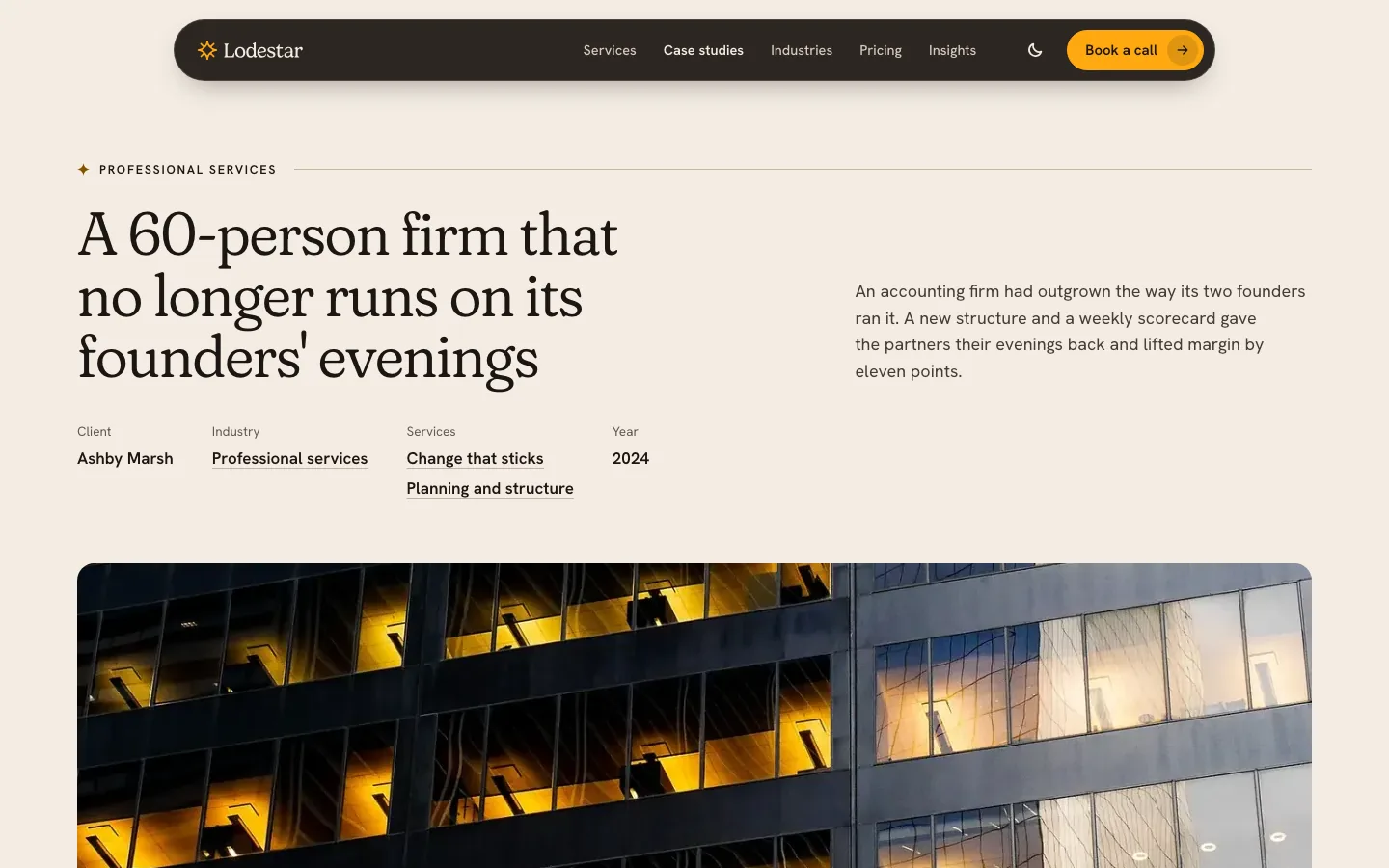
Fig. 1.4.2 — Case study 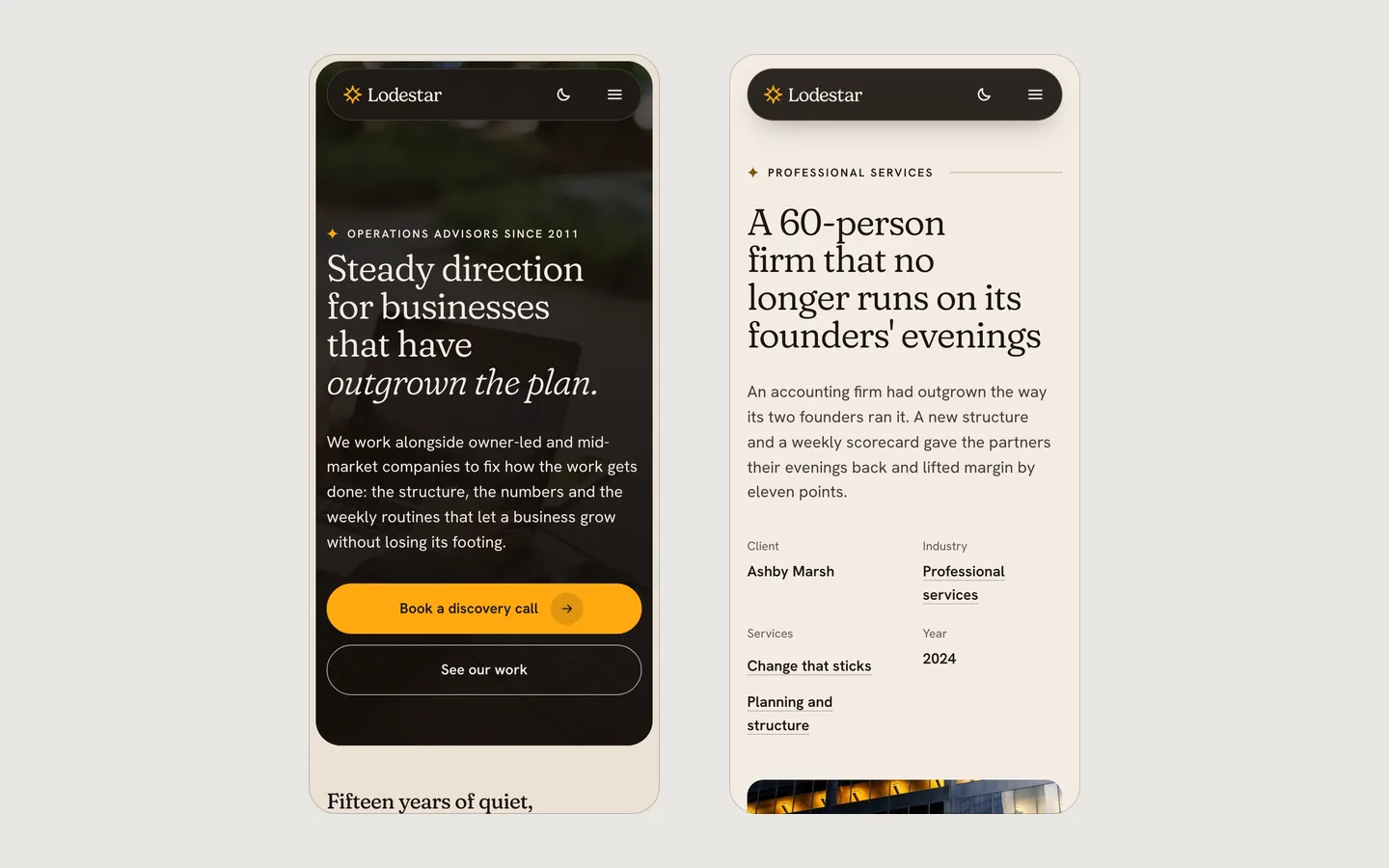
Fig. 1.4.3 — Home and case study on a phone
Best for
- Consulting, accounting, law, coaching and advisory firms
- Developers and studios who build sites for firms like these
Pages included
Pages
- Home
- Services
- Case studies
- Industries
- Team
- Insights
- Pricing
- About
- Contact
- Guide
- Search
- Privacy
- Terms
Content types
- Services
- Case studies
- Industries
- Team
- Posts
- Testimonials
- Plans
- FAQs
- Pages
Features
- Case studies with results
- Each case study leads with its numbers. An industry filter sits above the grid.
- Services and pricing
- A page per service with its length, steps and FAQ. Plans and questions on one pricing page.
- A free guide with sign-up
- The form posts to your newsletter tool. The thanks page has the download.
- Booking and contact without a server
- Book a call links to your booking page. The contact form posts to your form service.
- A setup check
- The build stops on a broken setting or link and lists what to fix.
- Three heroes, four accents, light and dark
- Pick the type, accent, hero and details in one file. Visitors can switch to dark mode.
Stack
| Astro | 7 |
|---|---|
| Tailwind CSS | 4 |
| Content sources | Markdown, EmDash |
| Last updated | |
| Lighthouse, mobile | |
| Performance | 98 |
| Accessibility | 100 |
| Best practices | 100 |
| SEO | 100 |
| Changelog | |
What you get
- Private GitHub repository
- Docs for install, content, settings, looks and deploy
- Lifetime updates
Setup
- Buy, and accept the GitHub invite.
- Copy the repository into a new repo of your own.
- Set your booking link, form services and guide in one settings file.
- Connect your repo to Cloudflare Workers Builds.
- Edit content in Markdown. EmDash needs a Node host; see the docs.
What you'll need
Lodestar is a site you build and host yourself. Plan for these before you start.
For every theme
- A GitHub account, to get the code and keep your own copy.
- A host. The docs use Cloudflare Workers. A Markdown build is plain files, so most static hosts work too.
- A domain name of your own.
- Some comfort with a code editor and Git. This is code you own, not a drag-and-drop builder.
- A Node host, if you want to edit in EmDash's admin instead of Markdown.
- With Markdown there is no server or database. A feature that needs one, like a form, sends to a service you pick.
For Lodestar
- A booking tool, for the Book a call link.
- A form service for the contact form.
- A newsletter tool, for the free guide's sign-up.
Lodestar: your firm's site, already built.
Buy Lodestar – $79