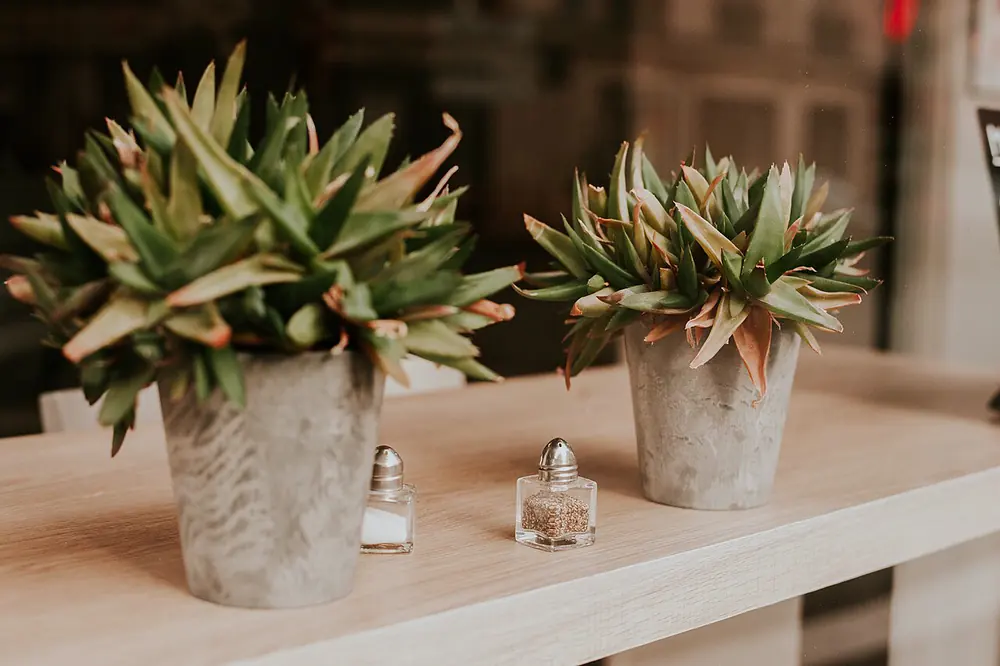
Hospitality
Greenhouse café
A menu site that the owners update every morning.
Data displayCardMedia
Searchastronomic.dev# CardMedia
For a list of pages with a picture each, like projects or articles: the image on top, then the title and a line.
Static: no JavaScript.
## Usage
```astro
import CardMedia from "@astronomic-dev/ui/components/CardMedia.astro";
```
## Examples
### Project cards
Each card is one link: a click anywhere opens the project.
```astro
---
import CardMedia from "@astronomic-dev/ui/components/CardMedia.astro";
// Your own image files.
import plants from "../../photos/plants-shelf.webp";
import stairway from "../../photos/white-stairway.webp";
import concrete from "../../photos/concrete-slab.webp";

const projects = [
	{ eyebrow: "Hospitality", title: "Greenhouse café", text: "A menu site that the owners update every morning.", image: plants, href: "#greenhouse" },
	{ eyebrow: "Real estate", title: "Atrium offices", text: "Floor plans and leasing, in one quiet page.", image: stairway, href: "#atrium" },
	{ eyebrow: "Public", title: "Civic library", text: "Events, rooms and opening hours for a new branch.", image: concrete, href: "#library" },
];
---

<div class="grid gap-5 sm:grid-cols-3">
	{projects.map((p) => <CardMedia image={{ src: p.image, alt: "" }} eyebrow={p.eyebrow} title={p.title} text={p.text} href={p.href} viewText="View project" />)}
</div>
```
### Without a link
With no href it is plain content, and viewText is not shown.
```astro
---
import CardMedia from "@astronomic-dev/ui/components/CardMedia.astro";
// Your own image file.
import shelves from "../../photos/studio-shelves.webp";
---

<div class="max-w-sm">
	<CardMedia image={{ src: shelves, alt: "Plates and bowls on white shelves.", ratio: "4/3" }} title="Our studio" text="Four people, one room, and a long table for workshops." />
</div>
```
## Props
### CardMedia
| Prop | Type | Default | Description |
| --- | --- | --- | --- |
| `image` | `MediaImage` | None | The image on top, at the card's image inset. MediaImage is Media's props; the ratio defaults to 16/9. |
| `eyebrow` | `string` | None | A short line above the title, such as a category. |
| `title` | `string` | None | The title. With href it is the link's text. |
| `text` | `string` | None | A line or two under the title. |
| `href` | `string` | None | Makes the whole card one link to this page. |
| `viewText` | `string` | None | A cue at the foot, such as "Read the case study". Shown only with `href`. |
| `headingTag` | `"h2" \| "h3" \| "h4"` | `"h3"` | The title's element. Pick the level that fits the page outline. |
| `as` | `HTMLTag` | `"article"` | The element to render. Use li inside a list. |
| `class` | `string` | None | More classes, merged with cn(), so yours win on conflicts. |
Any other attribute goes on the rendered element.
## Accessibility
- Renders an <article> by default, with the title as its heading at headingTag's level.
- With href, only the title is a link. Its ::after covers the card, so a click anywhere follows it, and the focus ring goes round the whole card. A screen reader hears one short link: the title.
- The viewText cue is hidden from screen readers, since the title already names the link. Do not put other links or buttons in a linked card.
- An image needs alt like any Media. When the title already says it all, use alt="".
For a list of pages with a picture each, like projects or articles: the image on top, then the title and a line.
Drag the orange handle to set the width. Frames get real breakpoints.
Each card is one link: a click anywhere opens the project.
Hospitality
A menu site that the owners update every morning.
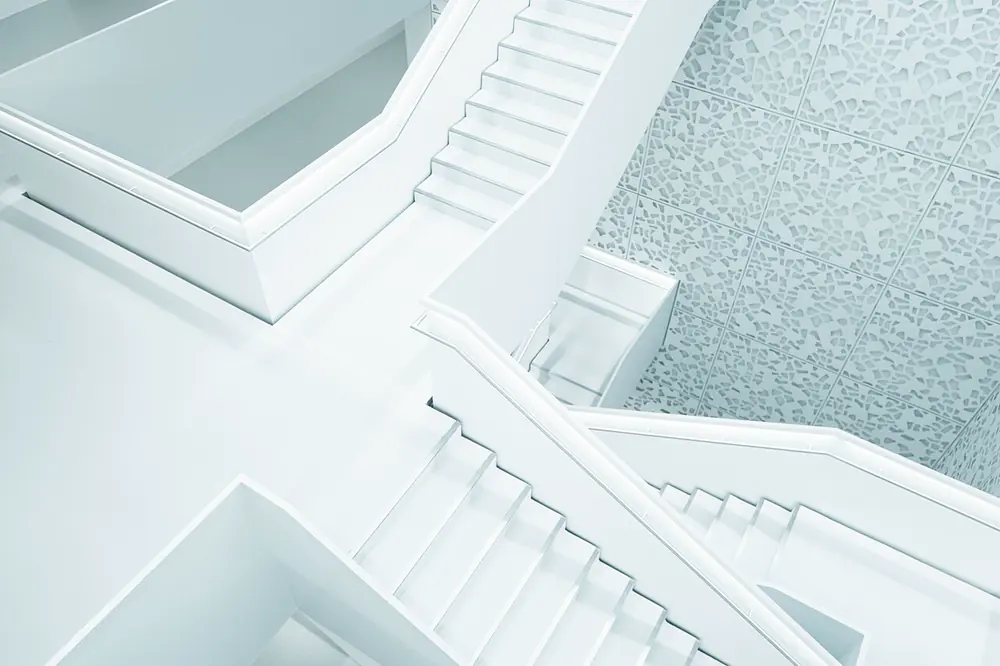
Real estate
Floor plans and leasing, in one quiet page.
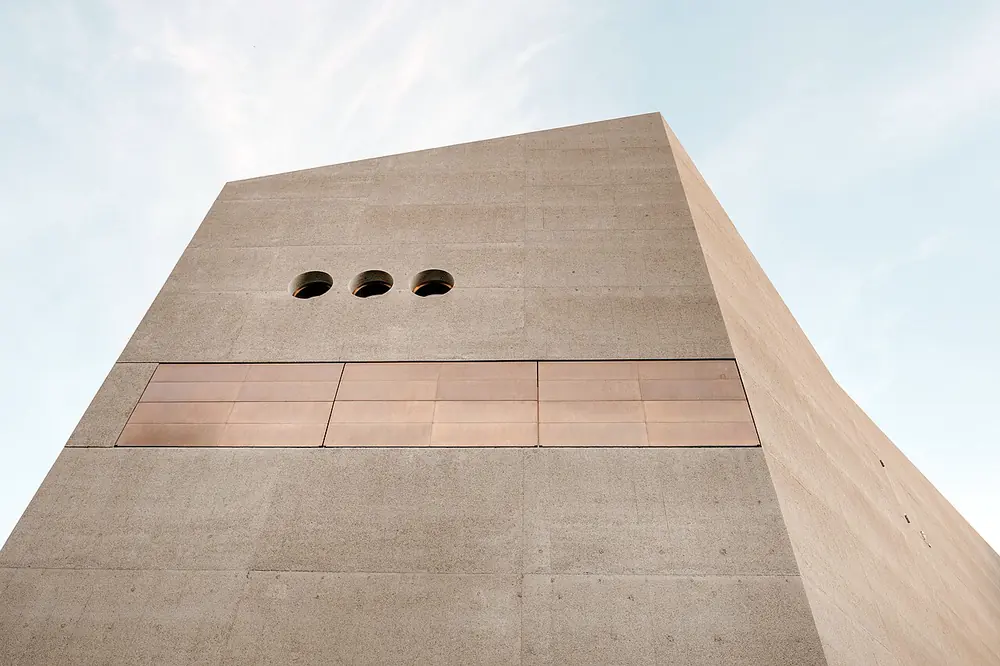
Public
Events, rooms and opening hours for a new branch.
examples/cardmedia/main.astro
---
import CardMedia from "@astronomic-dev/ui/components/CardMedia.astro";
// Your own image files.
import plants from "../../photos/plants-shelf.webp";
import stairway from "../../photos/white-stairway.webp";
import concrete from "../../photos/concrete-slab.webp";
const projects = [
{ eyebrow: "Hospitality", title: "Greenhouse café", text: "A menu site that the owners update every morning.", image: plants, href: "#greenhouse" },
{ eyebrow: "Real estate", title: "Atrium offices", text: "Floor plans and leasing, in one quiet page.", image: stairway, href: "#atrium" },
{ eyebrow: "Public", title: "Civic library", text: "Events, rooms and opening hours for a new branch.", image: concrete, href: "#library" },
];
---
<div class="grid gap-5 sm:grid-cols-3">
{projects.map((p) => <CardMedia image={{ src: p.image, alt: "" }} eyebrow={p.eyebrow} title={p.title} text={p.text} href={p.href} viewText="View project" />)}
</div>With no href it is plain content, and viewText is not shown.
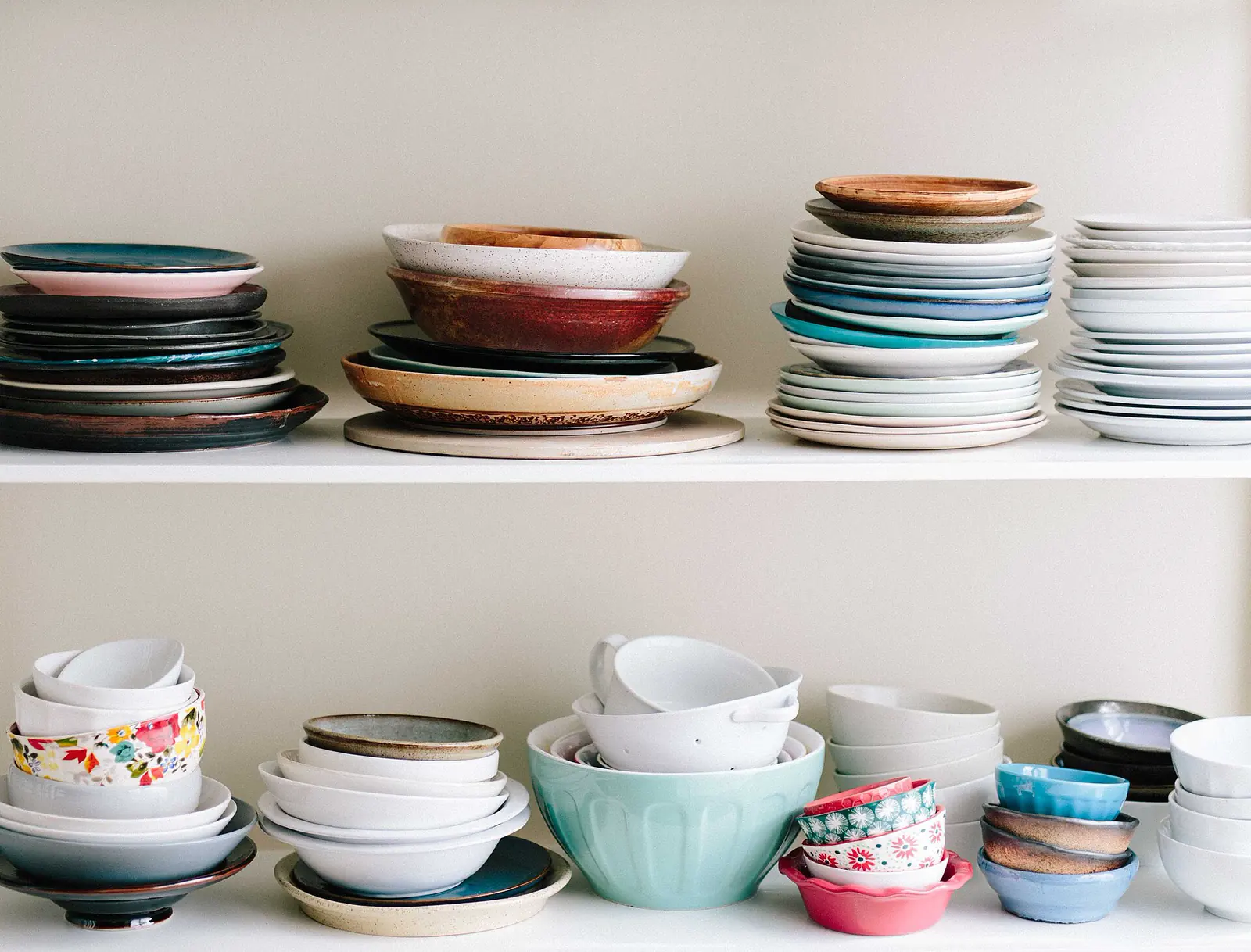
Four people, one room, and a long table for workshops.
examples/cardmedia/plain.astro
---
import CardMedia from "@astronomic-dev/ui/components/CardMedia.astro";
// Your own image file.
import shelves from "../../photos/studio-shelves.webp";
---
<div class="max-w-sm">
<CardMedia image={{ src: shelves, alt: "Plates and bowls on white shelves.", ratio: "4/3" }} title="Our studio" text="Four people, one room, and a long table for workshops." />
</div>